 Focus Scout
Features
A look round the app.
Every part of Focus Scout, what you'd use it for out there, and whether it's free. A lot of it is.
The Home tab
Find where's good.
Free for today and tomorrow. Pro for all 10 days.
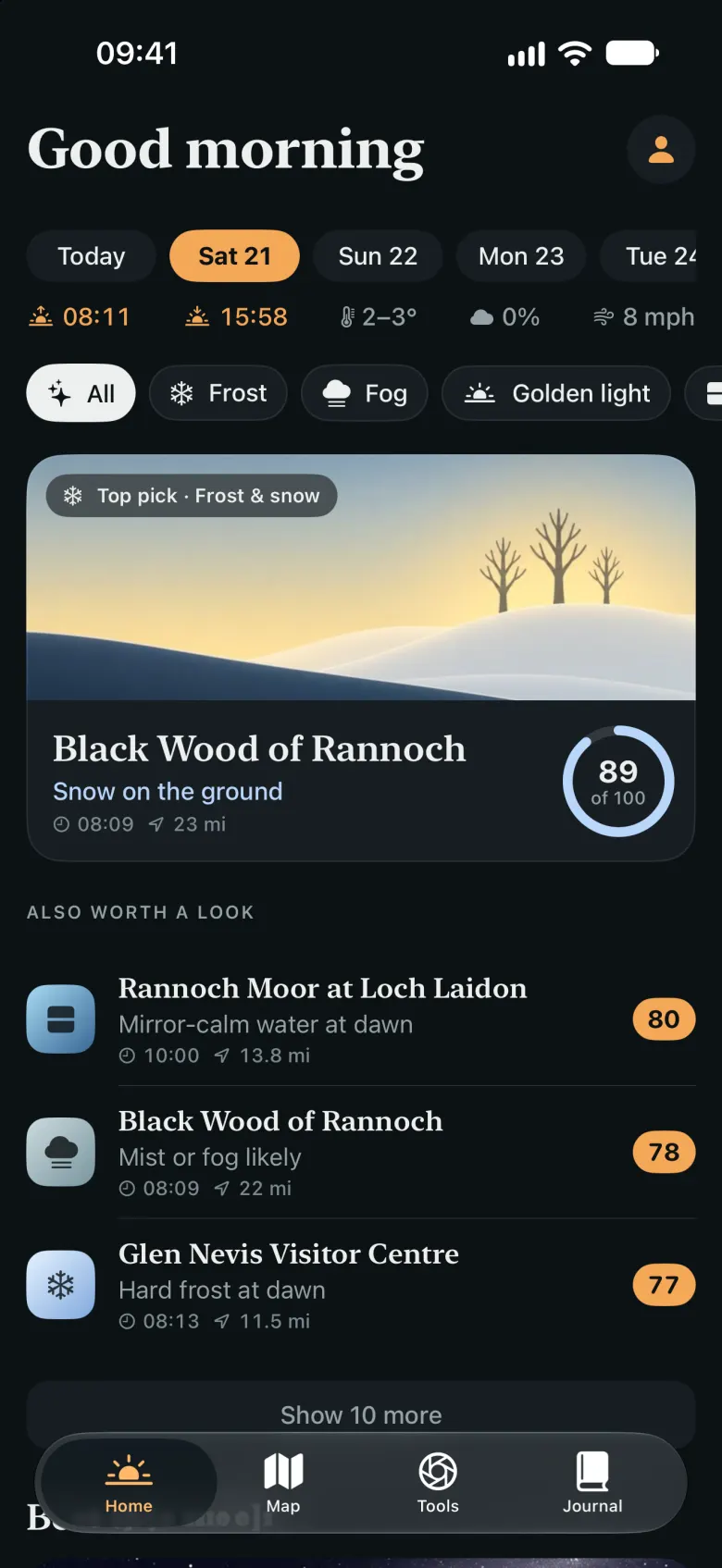
Pick a day and the best spot near you comes first, with its score and the time to be there. Tap a Look for chip to see only the kind of moment you're after.
- Mist & fog
- Frost & snow
- Waterfalls in flow
- Sunrise
- Sunset
- Big seas
- Wildlife
- Night sky
- Cloud inversion
- Reflections
- Storms & drama
- Snowy peaks
Best this week shows the top three chances over the coming days, and Plan ahead covers moon phases, meteor showers, big tides and more. On Free, Best this week is Best today and tomorrow.
A spot's page
Read a place before you drive to it.
Free, at every spot.
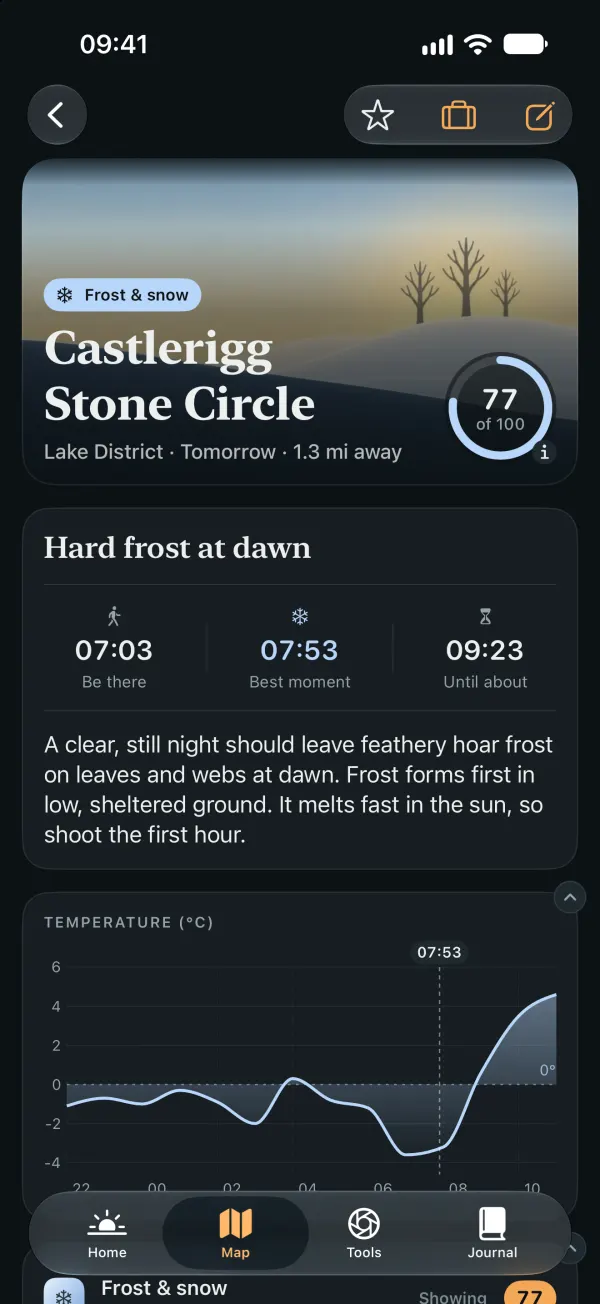
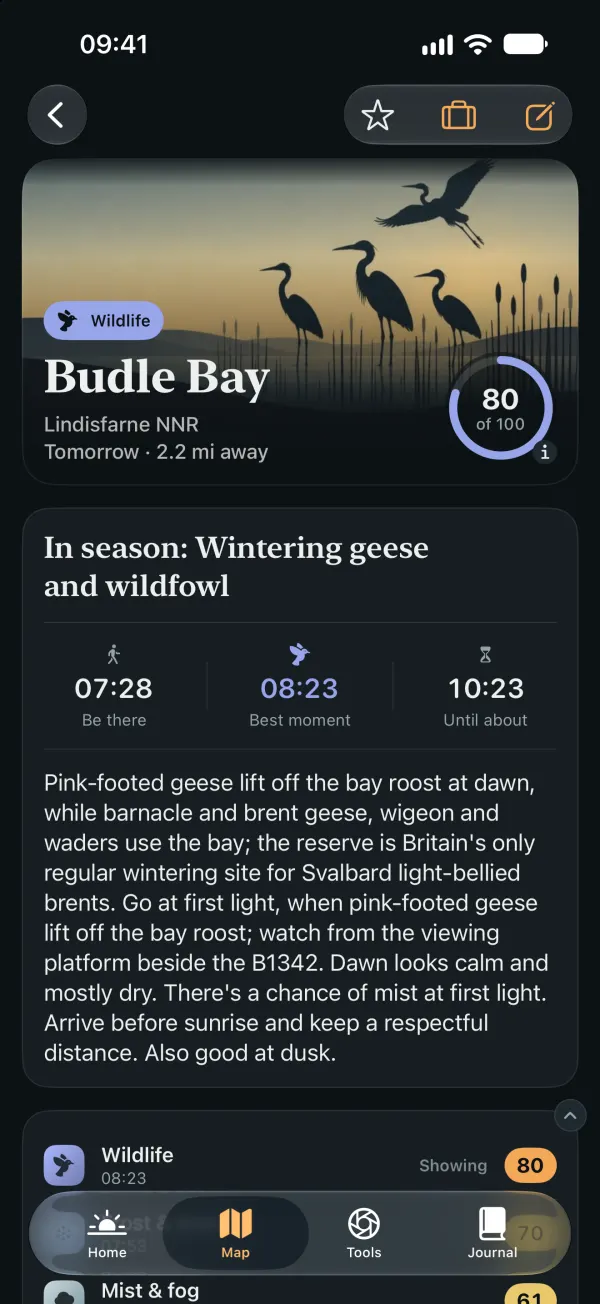
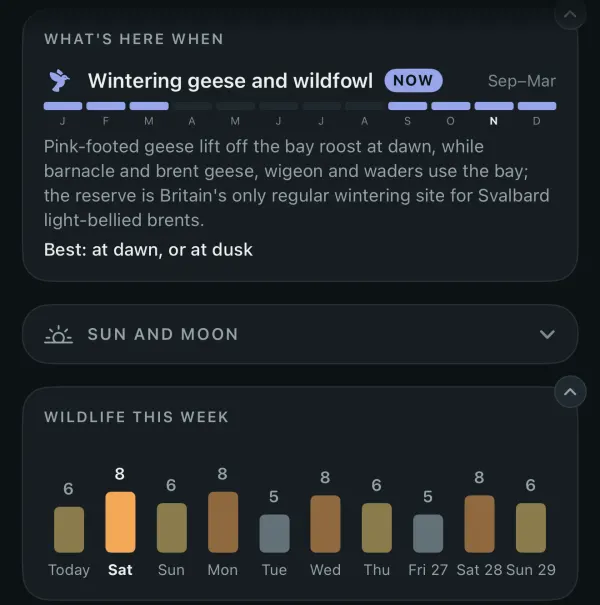
Open a spot and it tells you when to be there, when it should be at its best, until when, and why. Tap the score ring to see what went into it: cloud at each height, wind, visibility, the tide and the light.
When it says go, you can see why.
Every score comes with its reasons, and Focus Scout says plainly what it can't know. Scores are a guide, not a guarantee: usually reliable for three days, a hint at ten.
Below the score are the field notes, what the place is good for and how to get there. 584 spots also list what's there season by season. Star a spot to keep it in Your spots.
Every location has its own page on this site. See Castlerigg Stone Circle's · Browse the locations
The Map tab
Watch the weather come in.
The map is free. Weather layers are Pro.
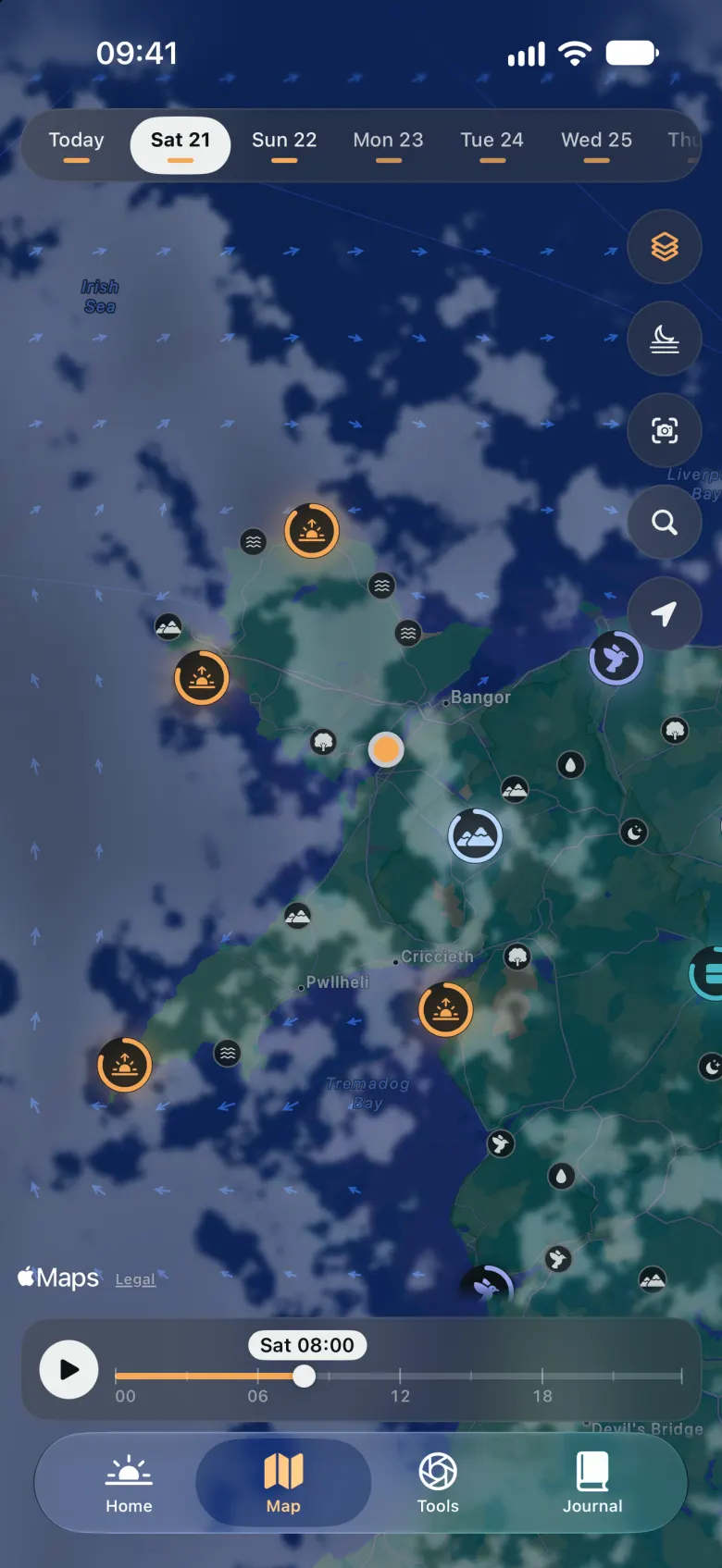
Every spot is on the map, and the ring on each pin fills to its score. Press and hold to drop a pin and save a spot of your own. To find a place by name, tap the magnifying glass.
With Pro, turn on a layer and play it through the day on the timeline.
One habit worth having: open the map over where you're going before you leave. Focus Scout keeps that area's forecast for up to two days, so it's still there when the signal isn't.
The layers
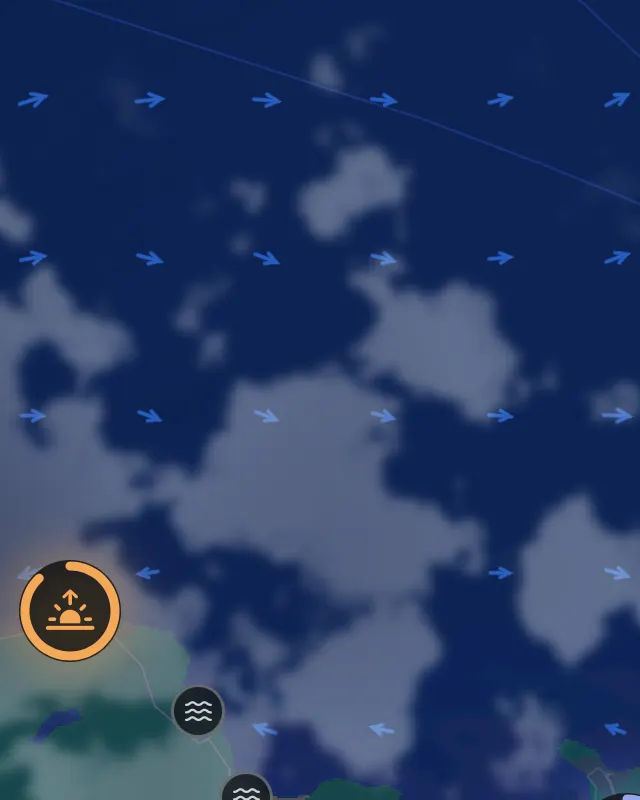 Cloud Where the cloud is, hour by hour.
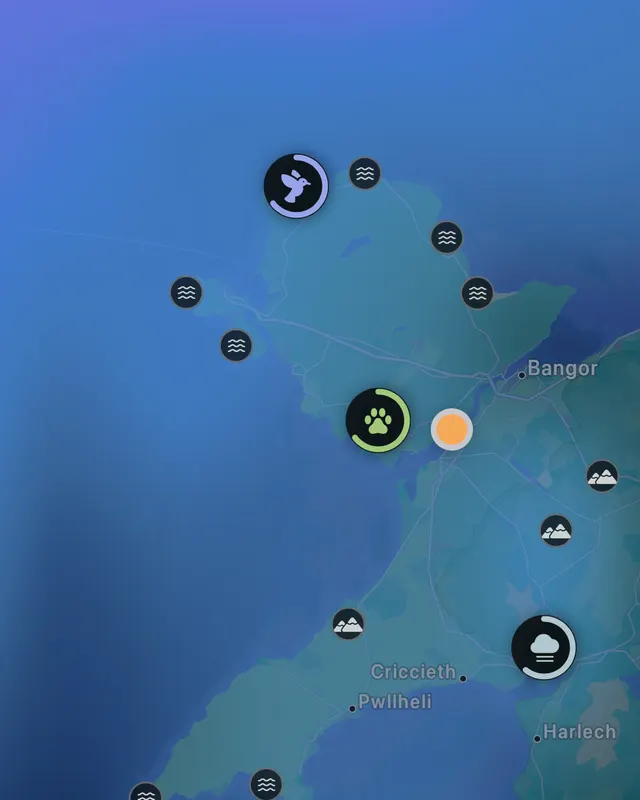 Rain Where the rain is, hour by hour.
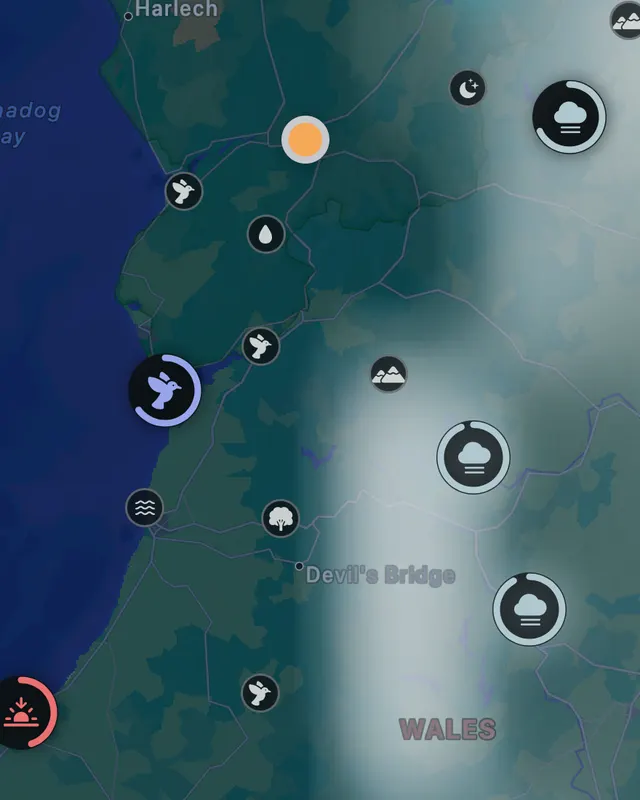 Mist and fog Where mist and fog should lie.
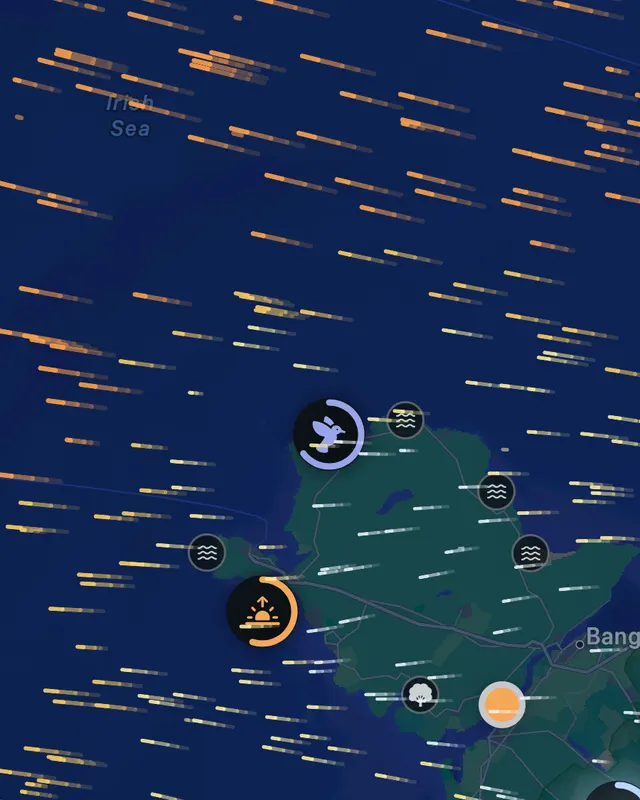 Wind Which way it's blowing, and how hard.
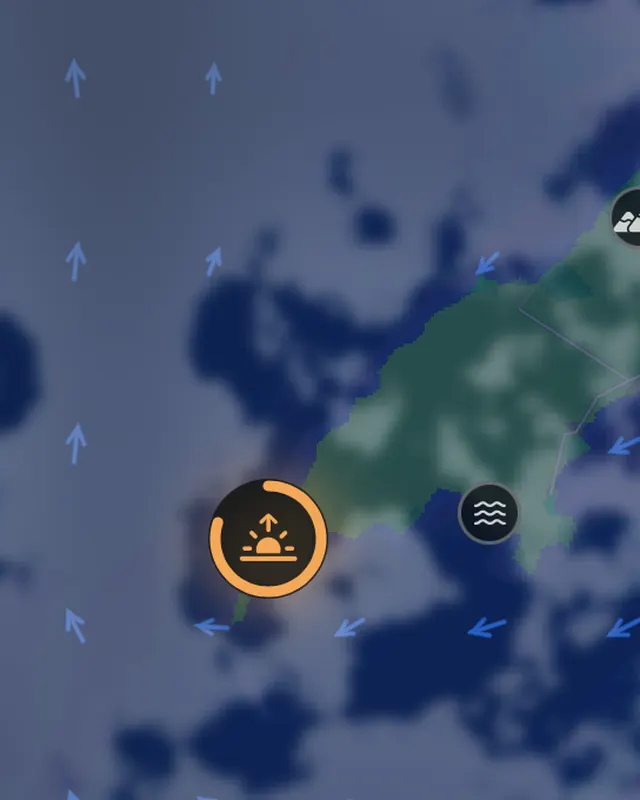 Tidal streams Arrows for which way the water's running.
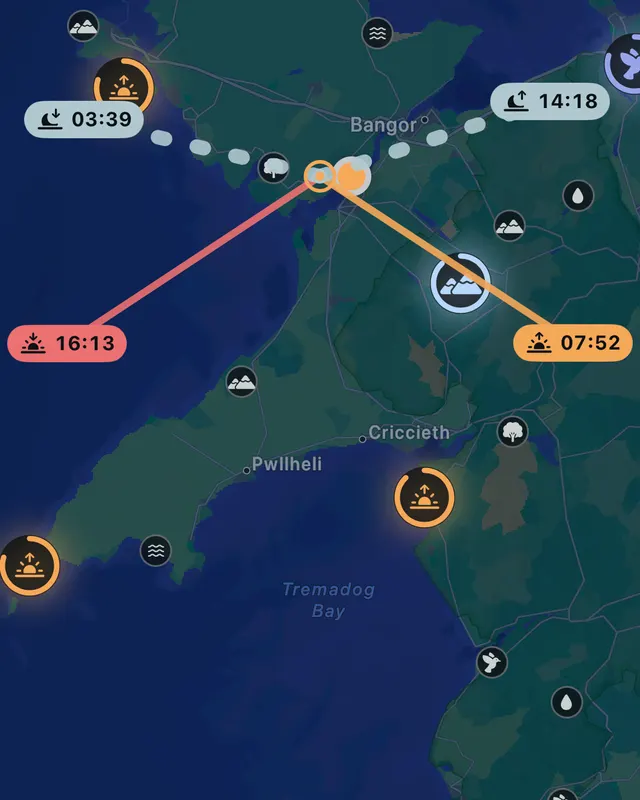 Sun and moon lines Which way to look for the sun and moon rising and setting, with the times.
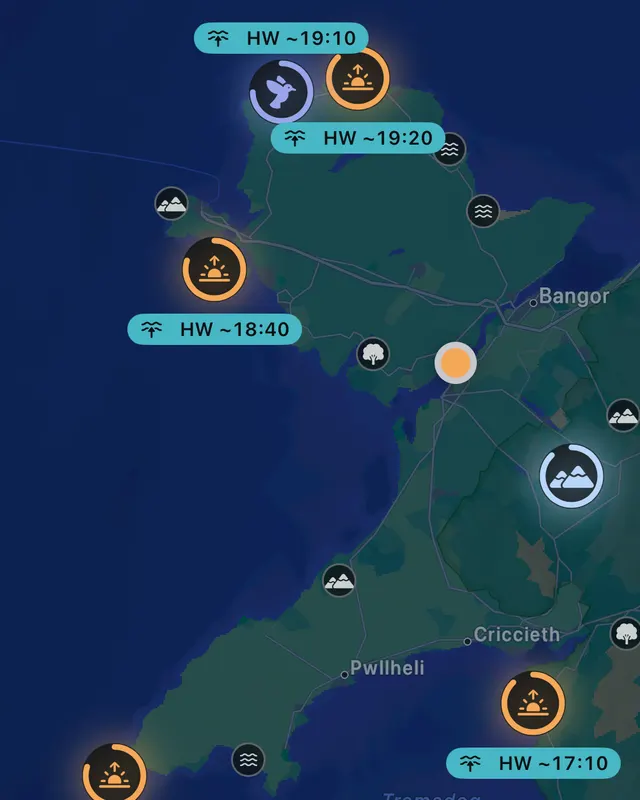 High-water times When the tide is in, beside each coastal spot.
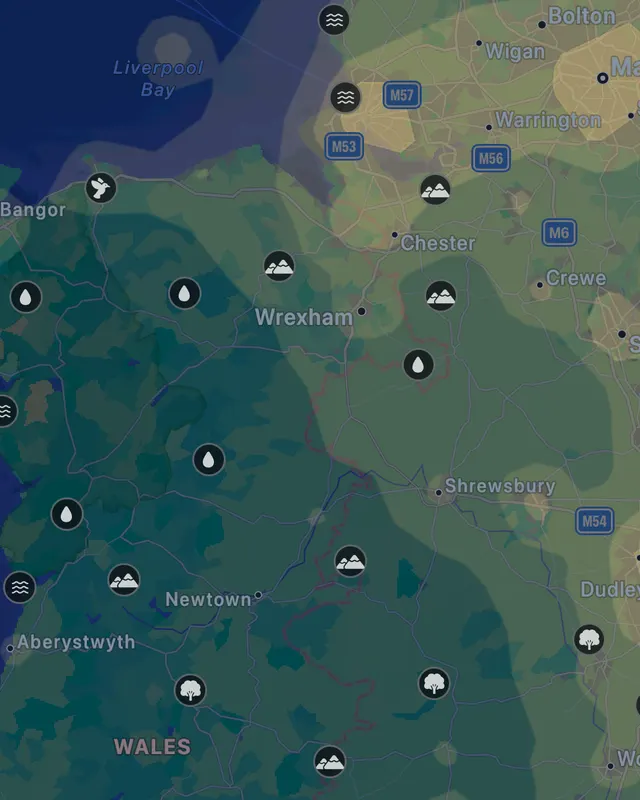 Light pollution Where the towns light the sky, and where it's dark.
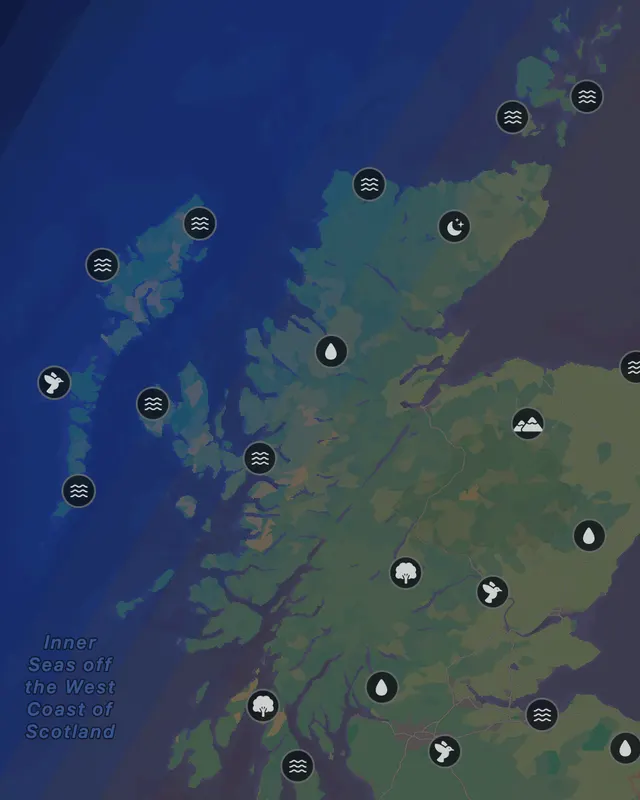 Day and night Where it's light, twilight or still dark.
Sky view
Line up the sun, moon and stars.
Free as the sky is now. Pro for any date and time.
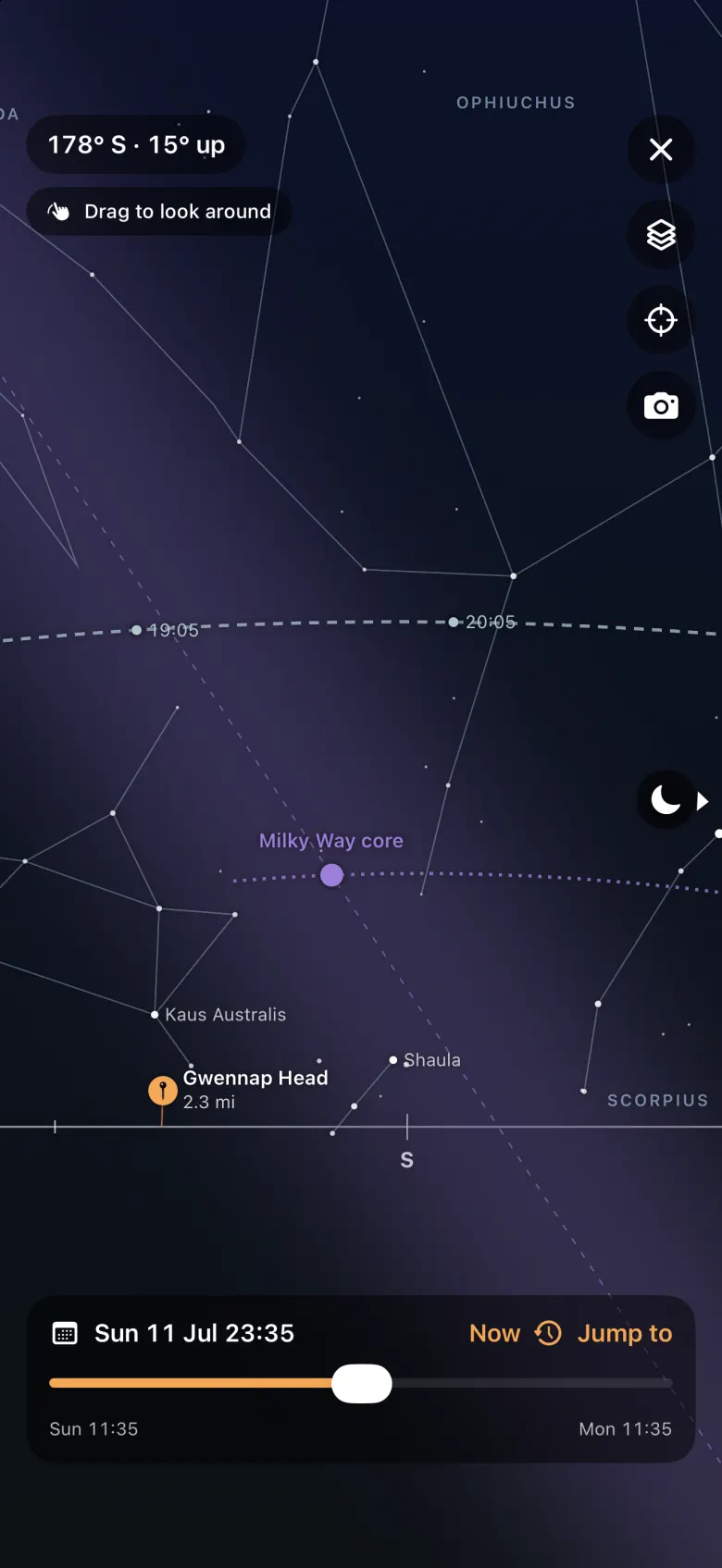
Hold up your phone and see the sky through the camera from where you stand: sun and moon paths, the Milky Way and its core, stars, meteors, planets and passes of the ISS. It does its sums on the phone, so it works with no signal.
With Pro you can set any date and time, and see where the Milky Way's core will stand on a night months away.
Phone compasses are often a few degrees out. Point it at the sun, the moon or a bright star, capture, and tap to line everything up.
The Tools tab
Work it out where you stand.
Free. Every tool.
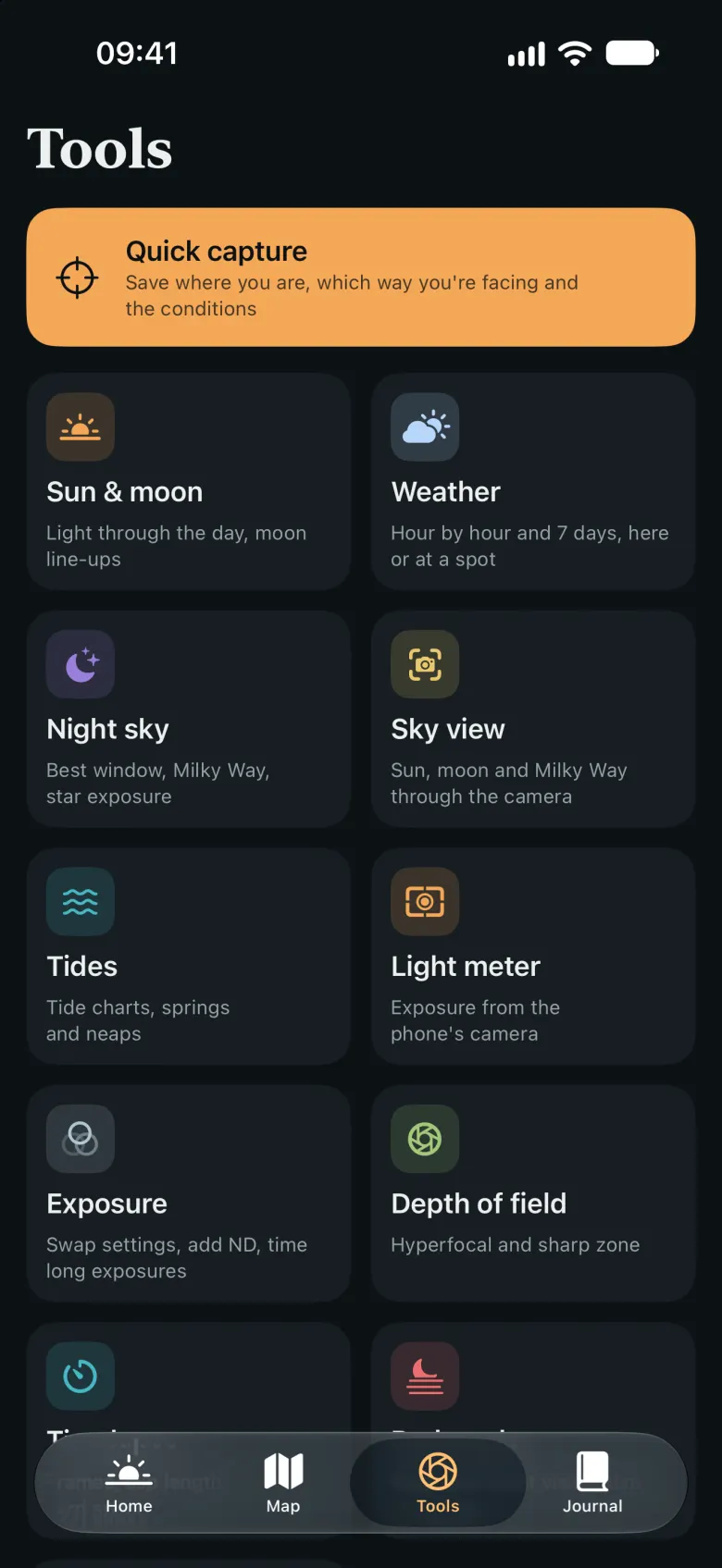
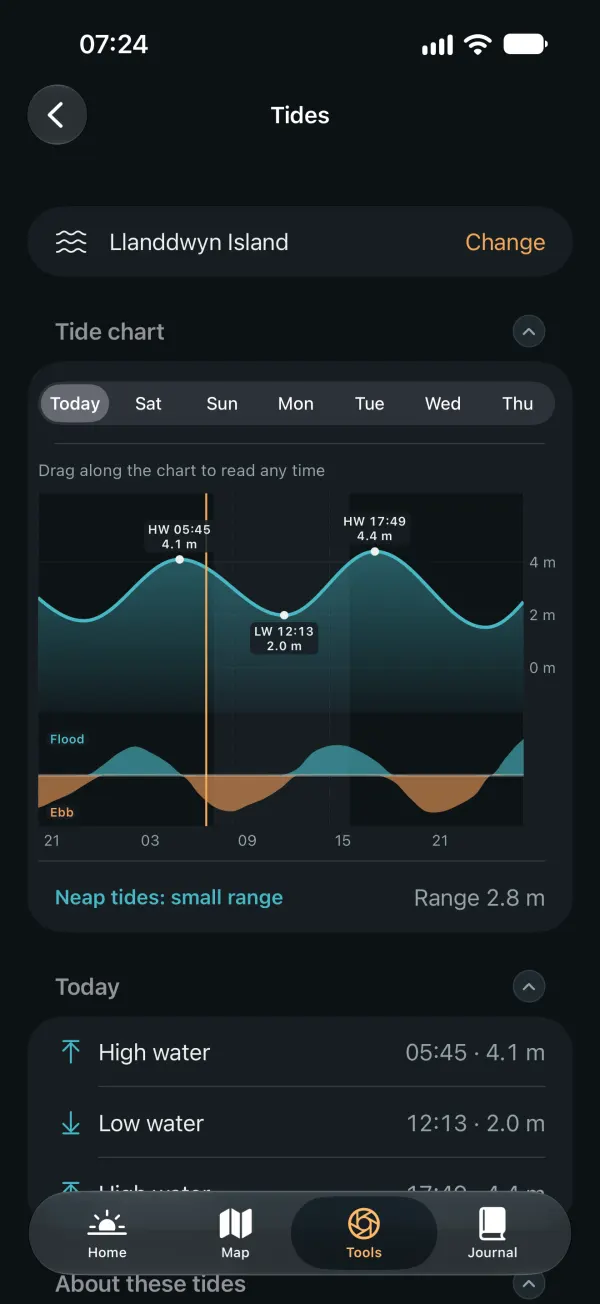
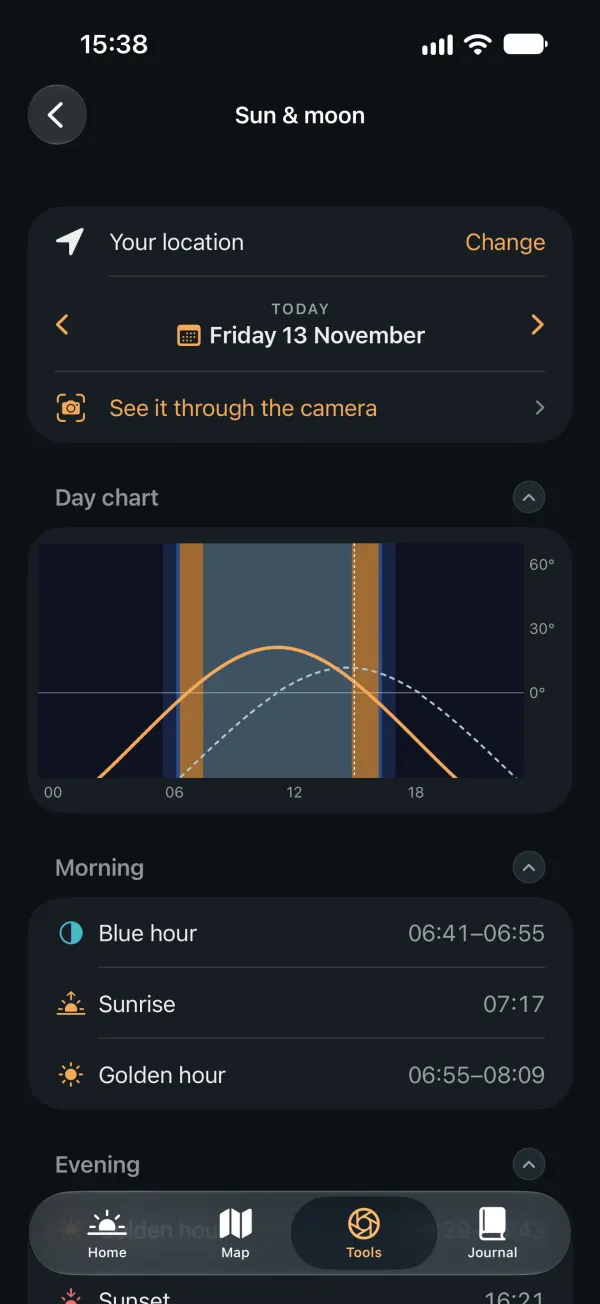
The working tools, for when you've arrived.
- Sun & moon. Blue hour, sunrise and golden hour, to the minute.
- Tides. Tide charts with high and low water, flood and ebb, springs and neaps.
- Weather. The forecast at the spot.
- Night sky.
- Exposure calculator and light meter.
- Depth of field.
- Timelapse.
- Kit checklist. What to pack for the conditions.
- Red mode. Keeps your night vision and dims the screen.
Tide times are a guide. Check an official tide table before you go onto a beach, a causeway or a tidal island.
Quick capture
Mark the place you'll come back to.
Free.
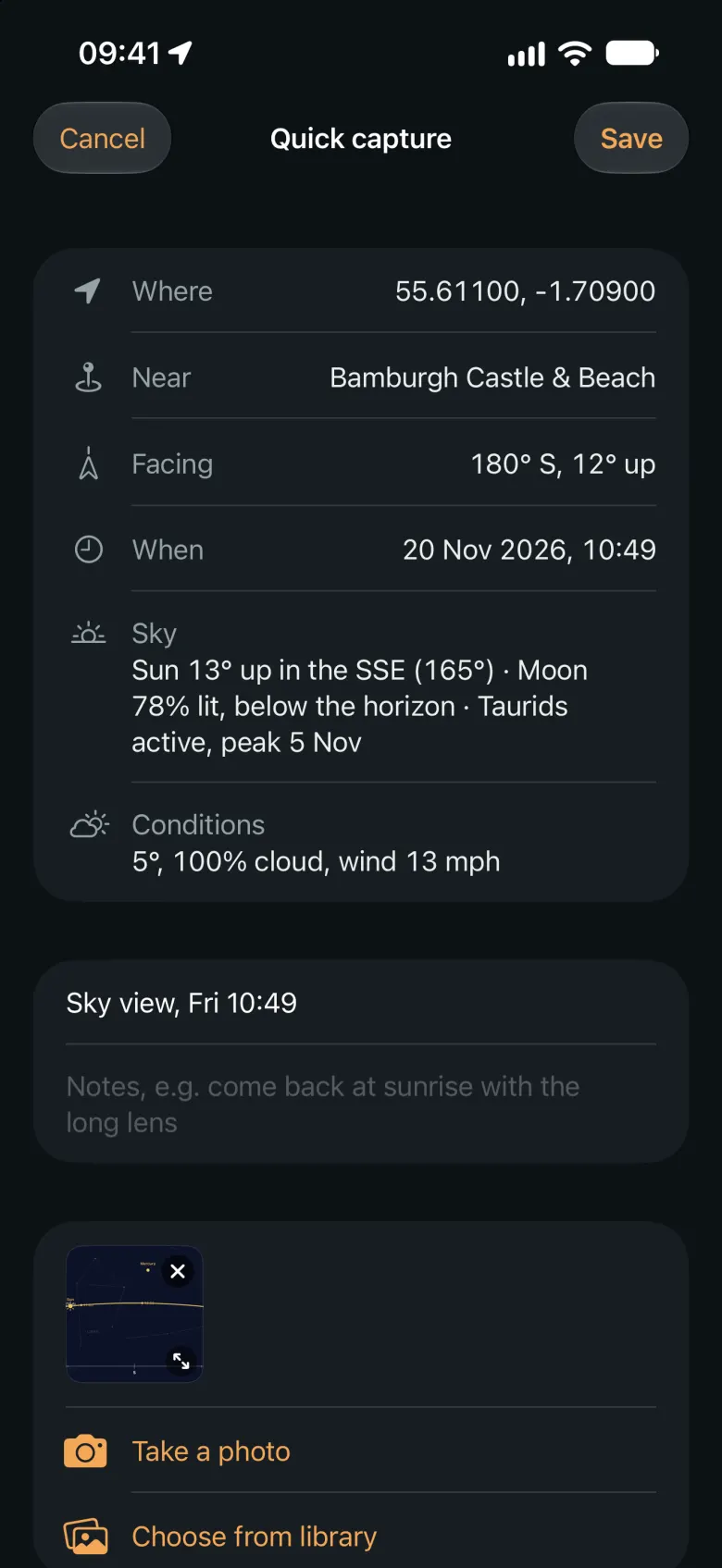
Found somewhere worth coming back to? Take a photo and a note where you stand. It saves where you are, which way you're facing and the conditions. It goes on your shot list and is marked on the map, ready for when the conditions line up.
Write the note you'd want to read in six months: which tide, which light, which lens.
The Journal tab
Keep what you found, and what you made.
Free.
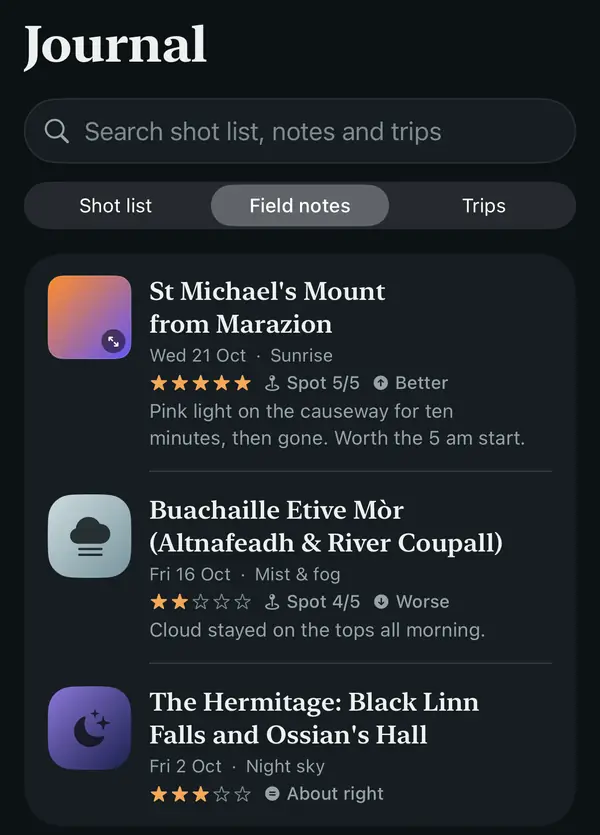
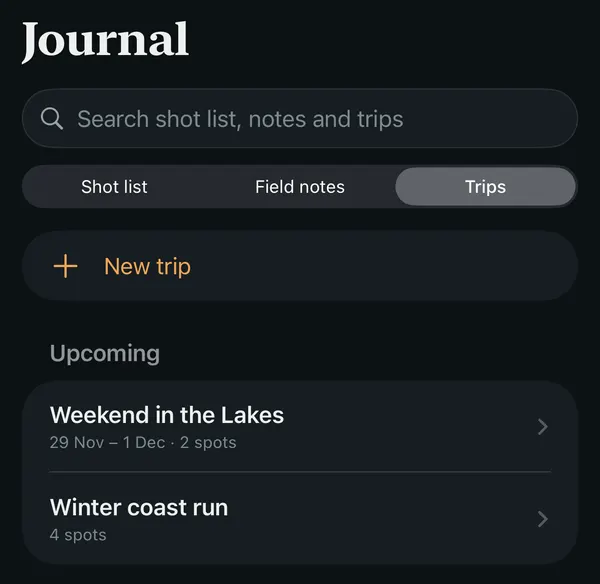
- Shot list. The places you mean to go back to, your quick captures among them.
- Field notes. One for each shoot: a rating, tags, what you wrote and your photos.
- Trips. Several locations in one plan.
Your photos are yours. They stay on your phone, full size, and never reach our servers.
Focus Scout Pro
Be told the evening before.
Pro.
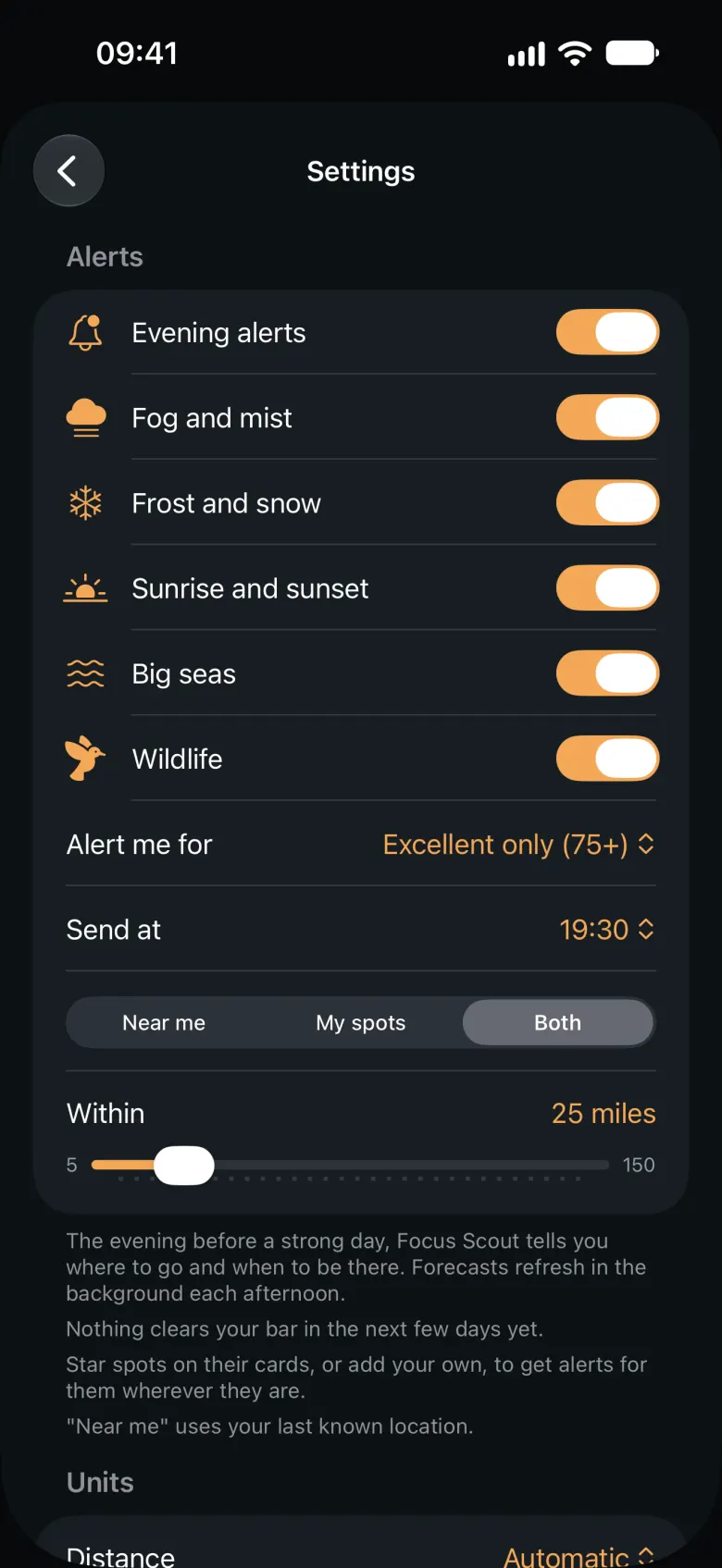
The evening before a strong day, Focus Scout tells you where to go and when to be there. You choose the conditions, and whether to hear about excellent days only (75 and up) or promising ones too (55 and up). Star a spot to get alerts for it wherever it is.
Pro also shows all 10 days in place of two, and updates the forecast every 3 hours, where Free updates twice a day.
Kit
Pack once, and pack right.
The checklist is free. Your own kit is Pro.
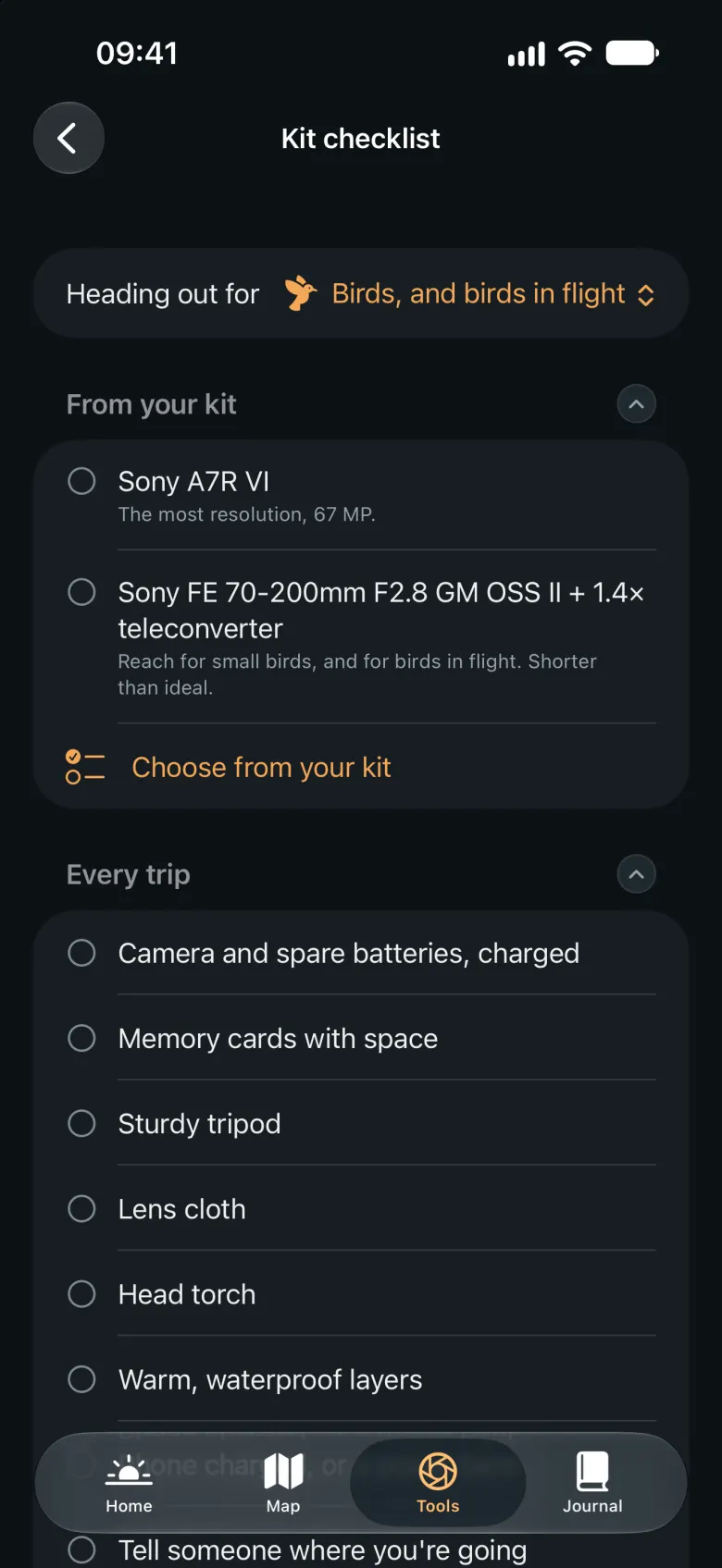
The Kit checklist shows what to pack for the conditions. With Pro, add your own cameras, lenses, teleconverters, filters, film and drones, and the packing list and shooting advice are built from them.
Good to know
- No account. Focus Scout needs no account or login, and every feature works without signing in.
- No signal. Many photo spots have none. Focus Scout keeps the forecast for the last area you looked at on the map for up to two days. Sky view and the tools that work from the sun, moon and stars need no signal at all.
- Your own spots. Press and hold the map to drop a pin. Free keeps up to 3 private spots, and Pro has no limit.
- From a maps app. Found a place in another maps app? Use Share, then Focus Scout, and it becomes a spot. Or paste a map link or coordinates into New spot.
- Where. England, Scotland, Wales and Northern Ireland, with five spots on Ireland's west coast.
- Needs. An iPhone with iOS 18 or later.
- No adverts and no tracking.
Free gets you out. Pro tells you sooner.
Free
Scores for today and tomorrow at every spot, every spot's page and every tool, Sky view, the journal, Quick capture and trips, and up to 3 private spots of your own.
Pro
Pro is £3.99 a month or £29.99 a year, with a 7-day free trial on the yearly plan. After the trial it renews at £29.99 a year unless you cancel at least 24 hours before the trial ends.
Payment is taken from your Apple Account when you confirm, or when the free trial ends. The subscription renews automatically unless you turn it off at least 24 hours before the end of the current period. You can manage or cancel it in your Apple Account settings.
See you
out there.
Focus Scout is an iPhone app for landscape and wildlife photographers in the UK. It scores nearly 2,000 photo spots for the conditions coming.
For iPhone first. A web version is planned for 2027, for Android phones and computers too.